

Which VaultAI Works With My Computer?
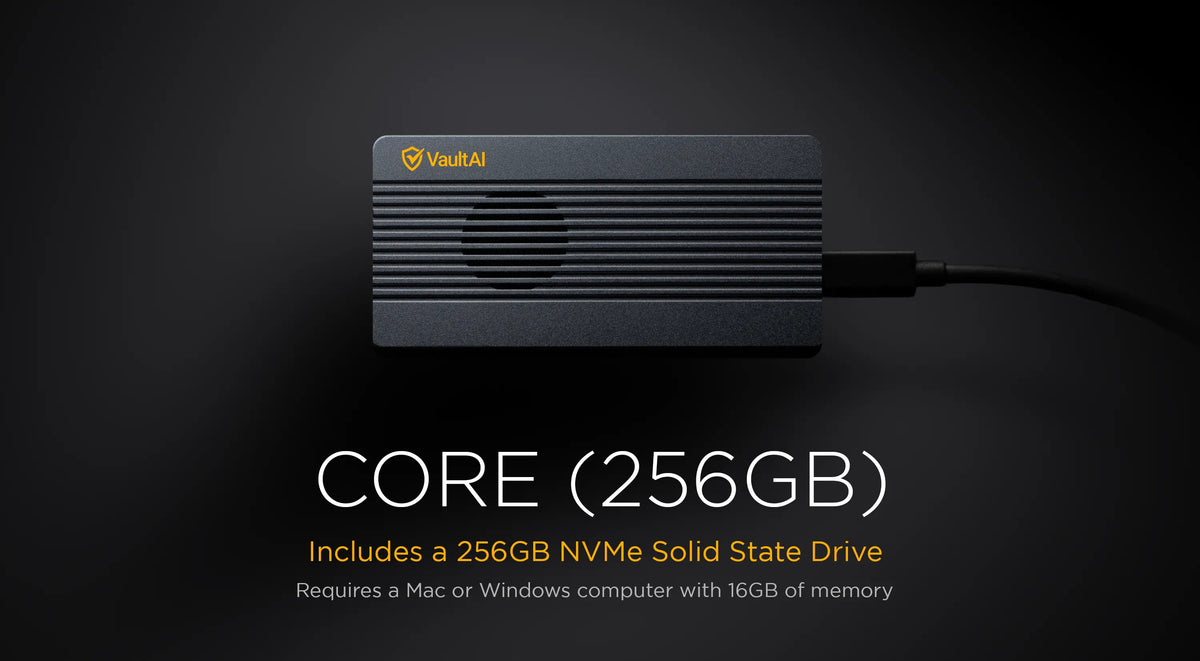
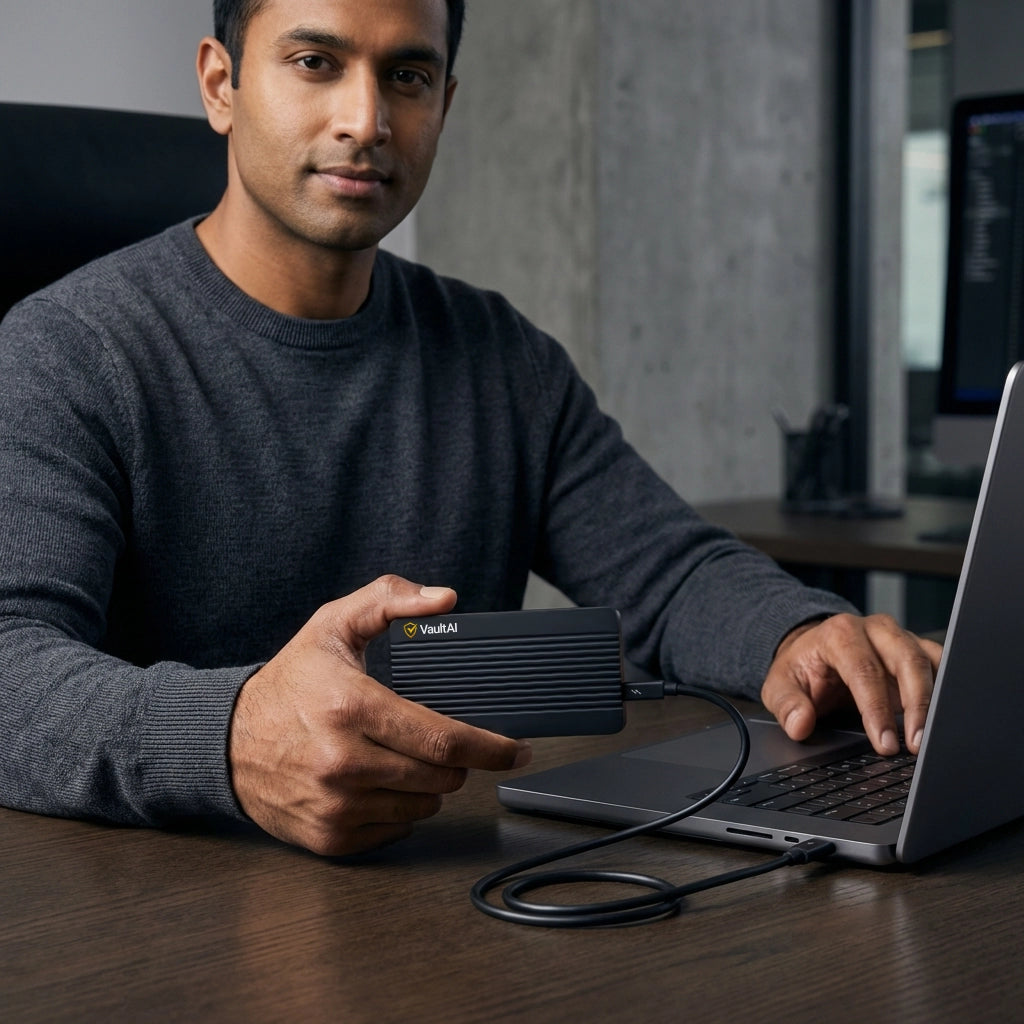
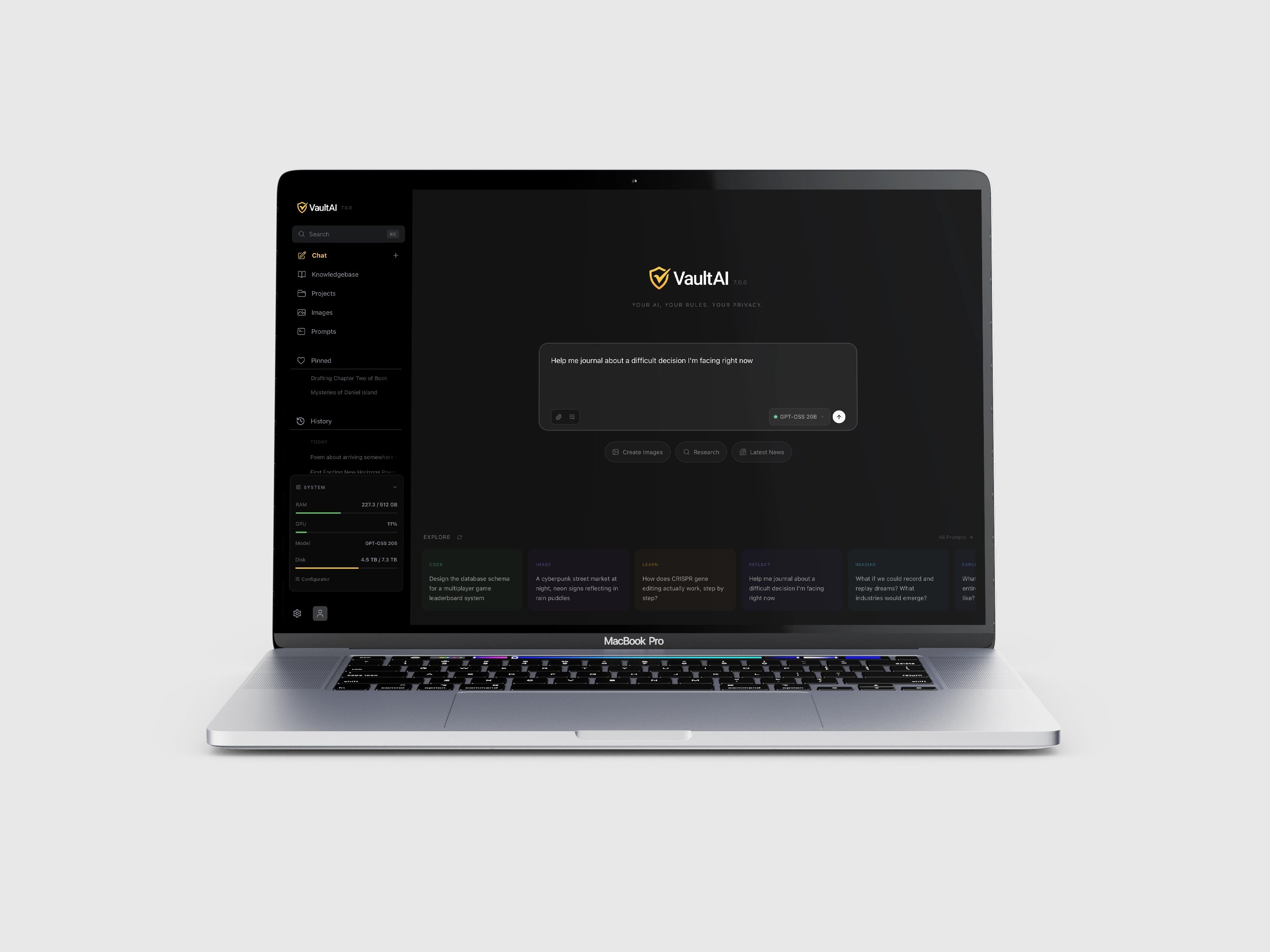
Choose a drive that fits your computer and the work you want to do. VaultAI stores its application, models, and your saved work on an SSD; your computer supplies the processing power.
Check three things before ordering
- Computer: Apple Silicon Mac (M1 or newer) or Windows 10/11 PC. For Intel Macs, Windows on ARM, or other systems, ask support to confirm compatibility.
- Memory: Check installed RAM, not free storage. On Mac, open Apple menu → About This Mac. On Windows, open Settings → System → About.
- Connection: An available USB-C port. Ask support before relying on an adapter.
| Drive | Minimum RAM | Recommended RAM | Start here for |
|---|---|---|---|
| Core | 16GB | 32GB | Everyday chat, writing, and private document work |
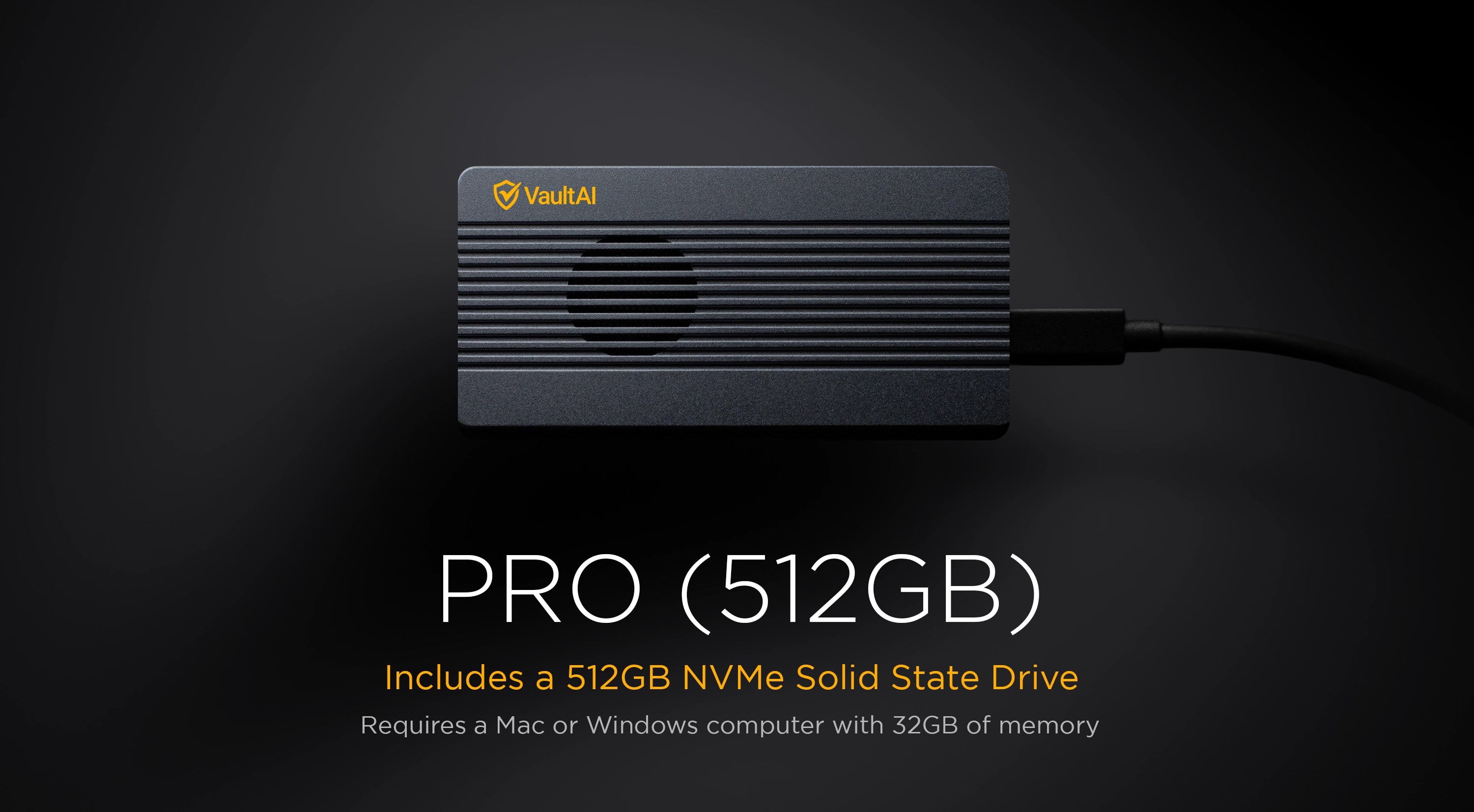
| Pro | 32GB | 64GB for larger models | Coding and more demanding work |
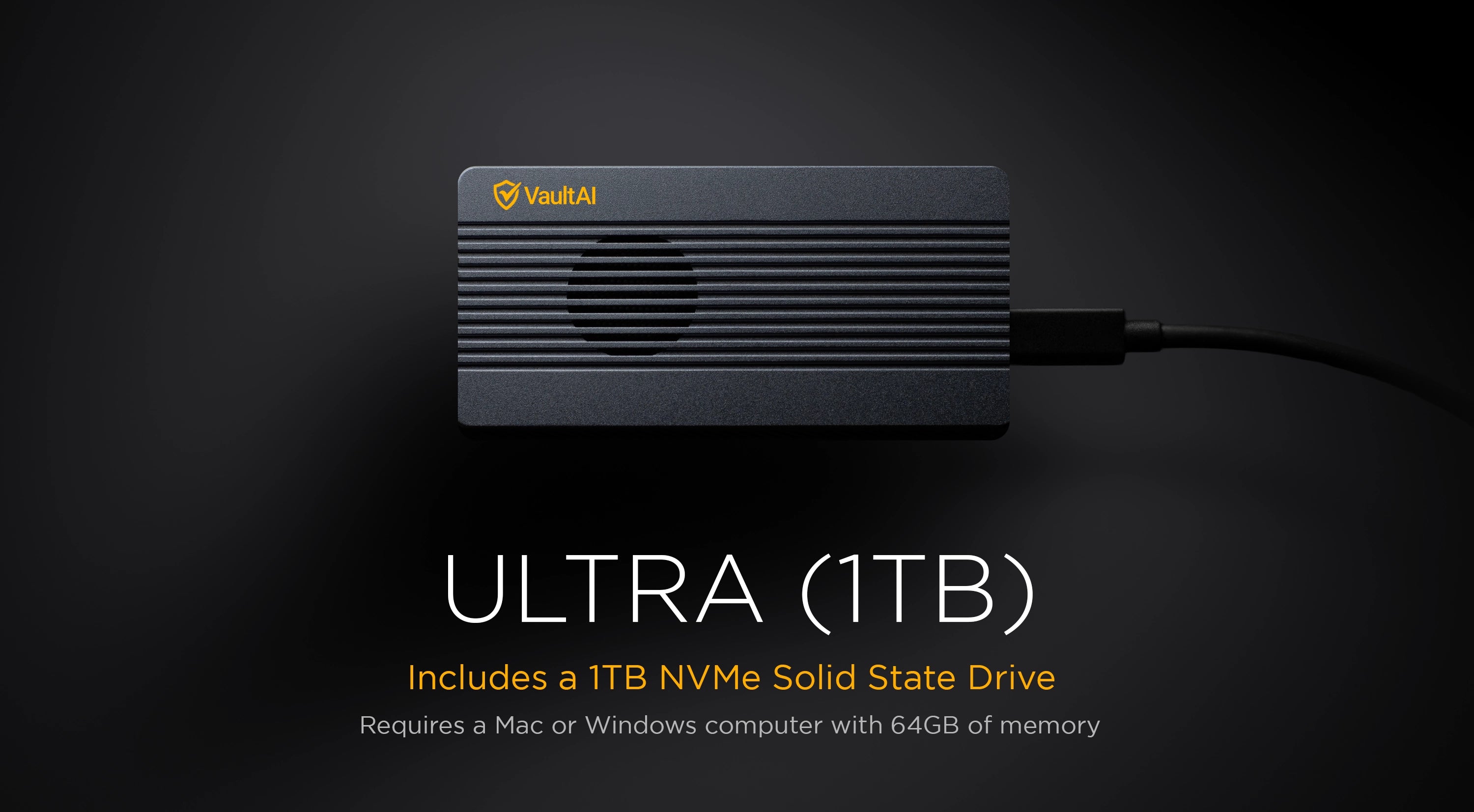
| Ultra | 64GB | 128GB for larger models | The widest model selection |
Want Ultra’s 120B or 235B models? The current product listing requires 192GB or more for these largest models. Buying a larger SSD does not add memory to your computer. The tier minimum does not mean every included model will run well.
Start with the lowest tier that fits your work. Model speed and fit depend on hardware, model size, quantization, and context length. This guide checks the listed requirements; it is not a benchmark or a scan of your computer.
Compare current prices and lineups · Read setup and purchasing answers · Ask a compatibility question
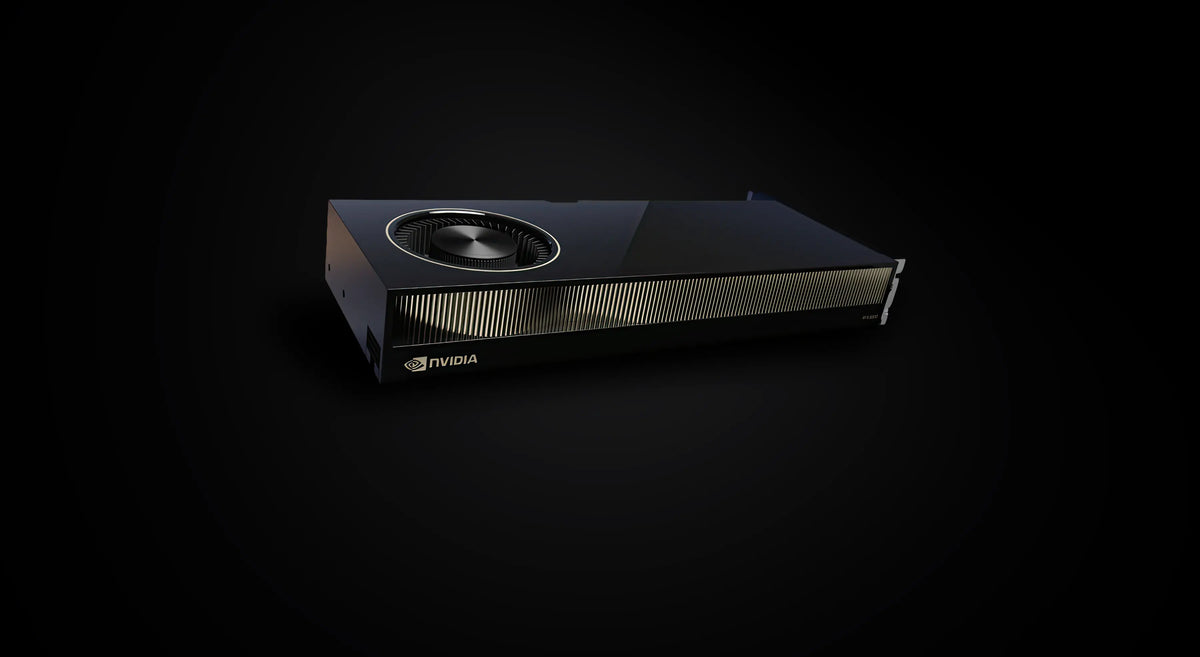
VaultAI Enterprise
For organizations: the full agentic suite — research, document analysis, and autonomous workflows — deployed on-premises on right-sized NVIDIA GPU hardware. Built for legal, healthcare, financial services, and government. Your data never leaves your walls.
Featured Products
For organizations
VaultAI Enterprise
Private AI for your whole team, on-premises on NVIDIA GPU hardware.